Andromeda · Hubble · 7 stops
Fly into one giant image.
Solaria guides you through a giant Hubble image, one stop at a time, then lets you zoom anywhere.
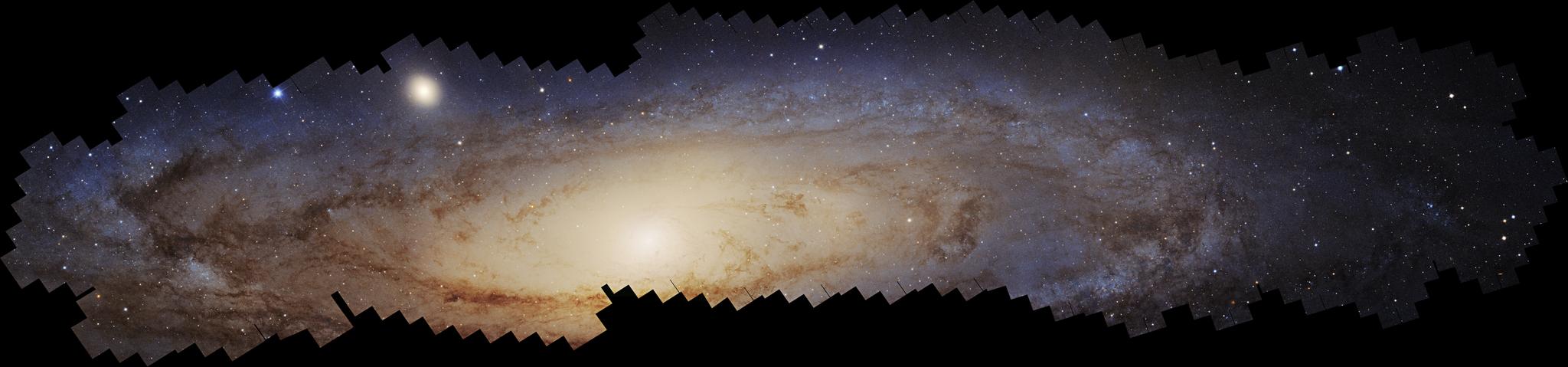
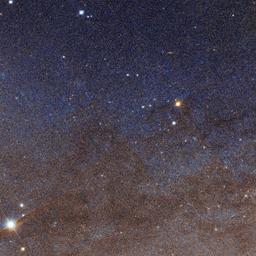
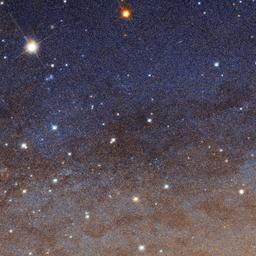
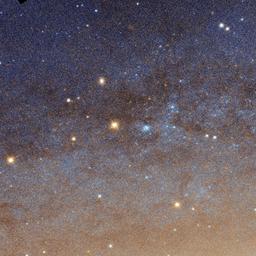
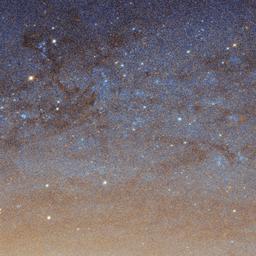
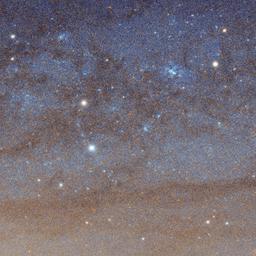
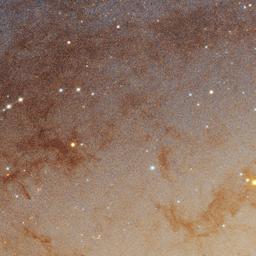
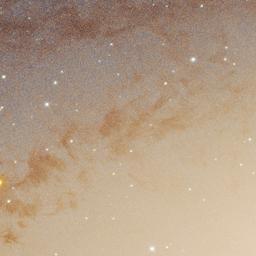
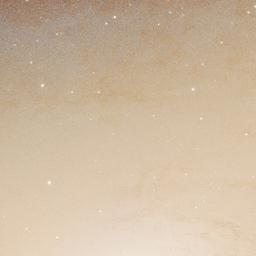
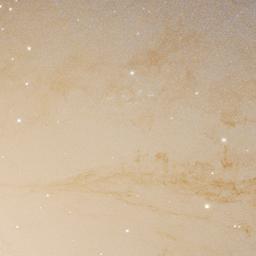
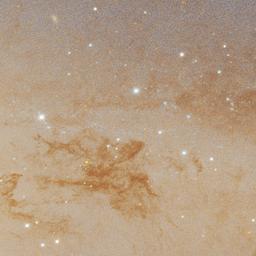
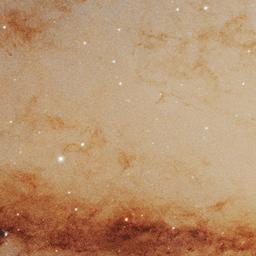
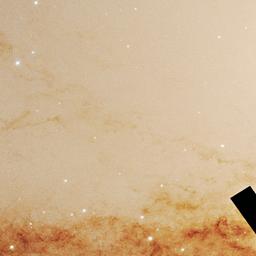
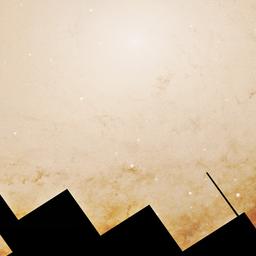
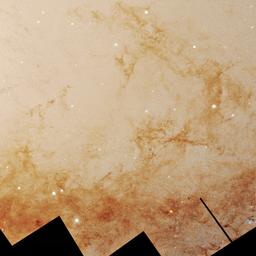
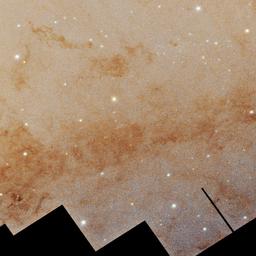
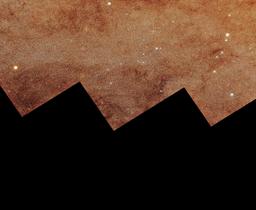


Lens, aimed at stop 02 of 07
The bright center
- Zoom
- 6.0×
- Field
- 7 035 × 7 035 px
- Center x
- 17 461 px
- Center y
- 5 600 px
Hover or focus a stop on the panorama to aim the lens. Press Enter to fly there.
Go to stop 02NASA, ESA, Benjamin Williams (UWashington), Zhuo Chen (UWashington), L. Clifton Johnson (Northwestern); Image Processing: Joseph DePasquale (STScI)
Journeys
- 01
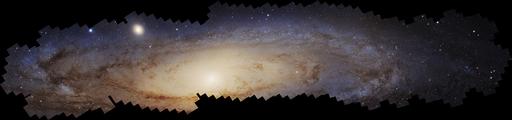
Andromeda, star by star
Seven stops from the disk of the Andromeda Galaxy down to its brightest stars.
42 208 × 9 870 px
Begin - 02
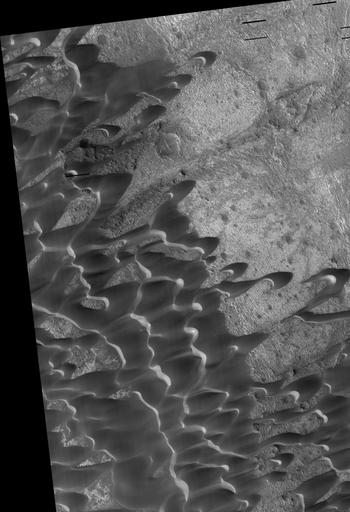
Nili Patera, ripples on Mars
Six stops over a Martian dune field, from the dunes down to ripples a few meters apart, and what changed in 15 weeks.
3 934 × 5 747 px
Begin - 03
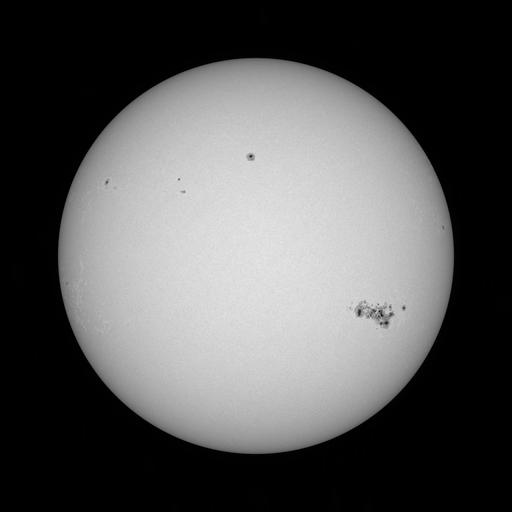
One Sun, seven bands
Seven stops through the SDO bands of 10 May 2024, from the Earth-facing disk to an active region and the limb, ending with free band switching.
4 096 × 4 096 px
Begin
Detail of the week
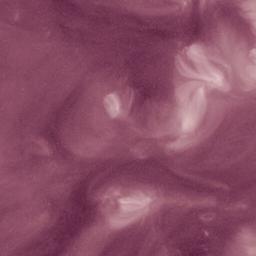
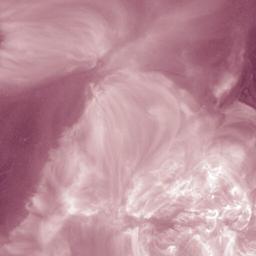
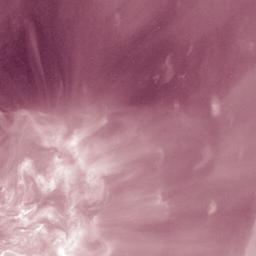
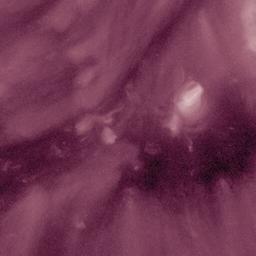
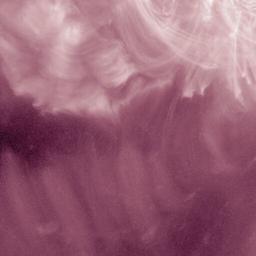
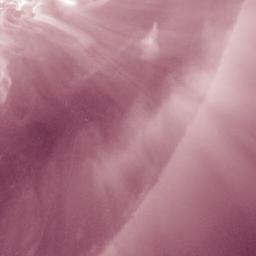
- Zoom
- 4.5×
- Center x
- 3 010
- Center y
- 2 510
Courtesy of NASA/SDO and the AIA, EVE, and HMI science teams.
Week 47
211 Å, active region 13664
One Sun, seven bands · Stop 5 of 7
Extreme ultraviolet, 211 Å: the corona over active regions, light from Fe XIV, log T 6.3 (about 2 million K). Purple is an assigned color.
Go to this detailReading the instrument
- Stop
- A place the journey visits. The amber one is where you are now; the line shows the route.
- View box
- The part of the whole image on your screen right now.
- Lens
- A close look at one stop, tied by two lines to its view box on the whole image.
- Zoom
- How many times closer you are than the whole image fitted to the screen.
- Position
- The pixel at the center of your view, counted from the top-left corner of the image file.